 SnapDeck AI
Snap it, done
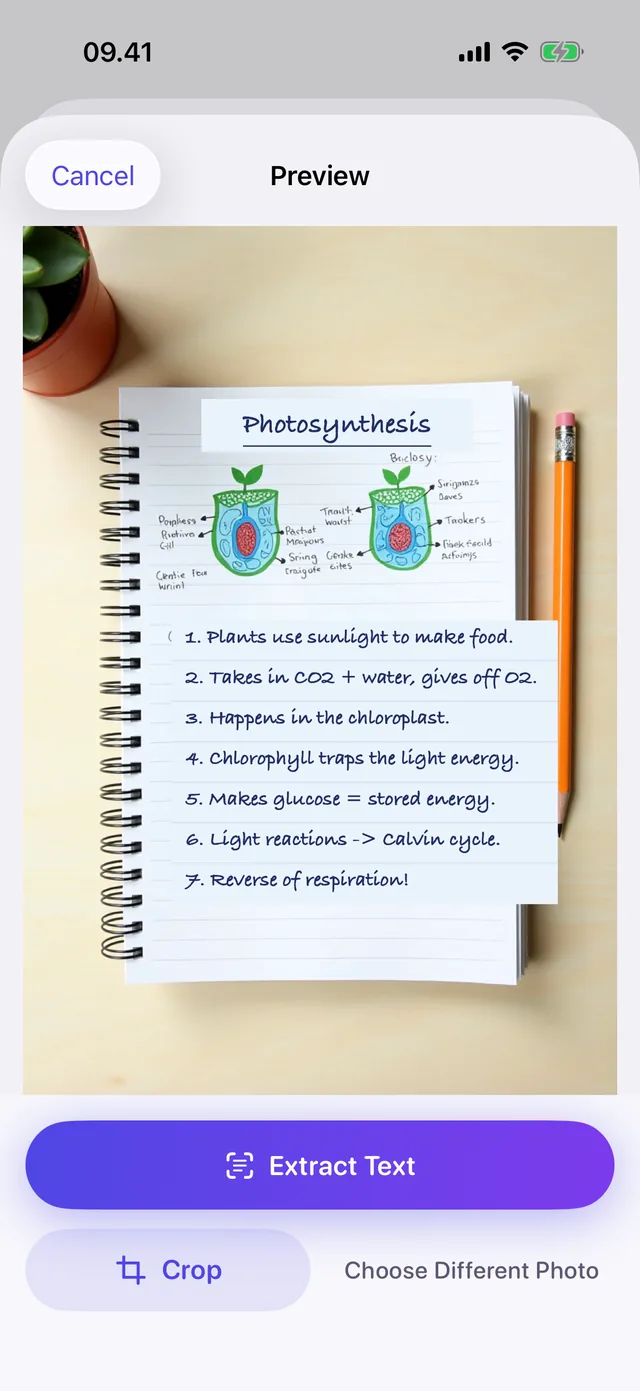
A textbook page, a lecture slide, your own scribbles. Take the photo and you have a deck before you've found a pen.
Point your camera at your textbook, lecture slides or messy handwriting — SnapDeck AI turns them into flashcards in seconds. Free, offline, no account.
No setup, no subscriptions to figure out, no 40-minute detour into making the cards before you can start studying.
A textbook page, a lecture slide, your own scribbles. Take the photo and you have a deck before you've found a pen.
Apple Intelligence runs the whole thing on your iPhone. No loading spinner waiting on someone's server, no signal required.
No sign-up, no email, no upload. Your notes stay yours — which also means nobody can lose them for you.
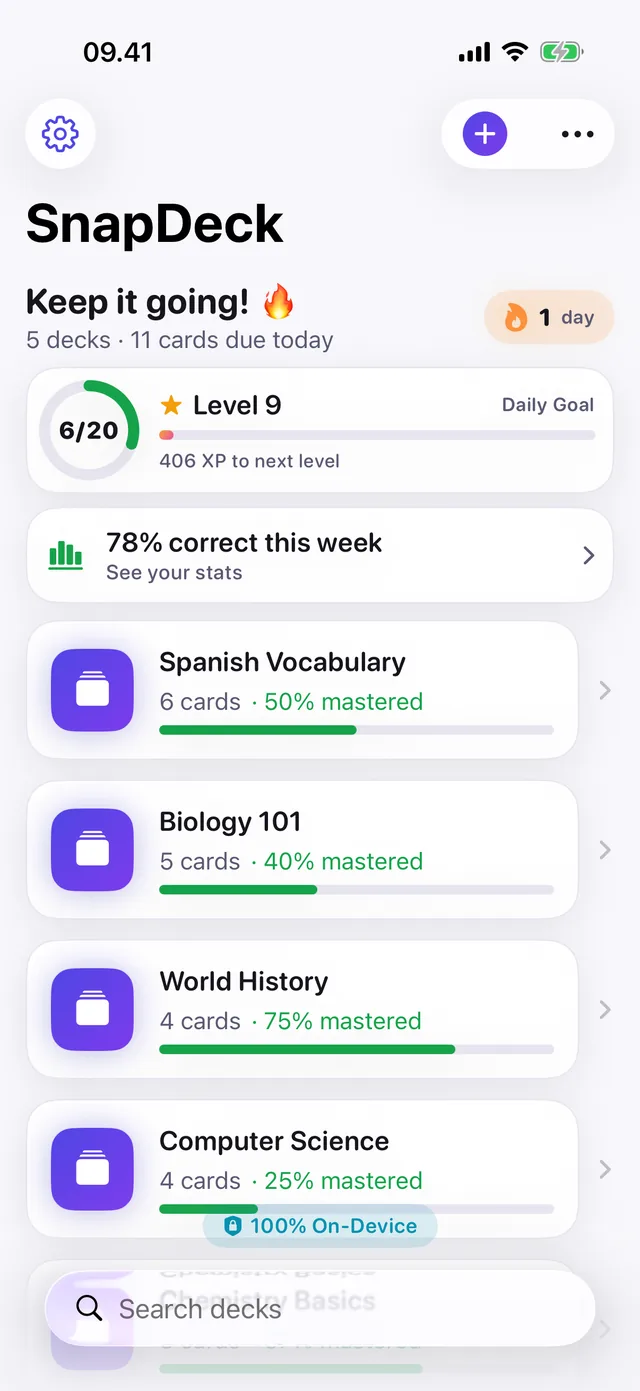
Flip, answer, mark it Know it or Review. SnapDeck keeps score so you stop re-reading the stuff you already know.
1 Snap it
Textbook, lecture slide, whiteboard, or the handwriting only you can read. PDFs and plain text work too.
2 Get your deck
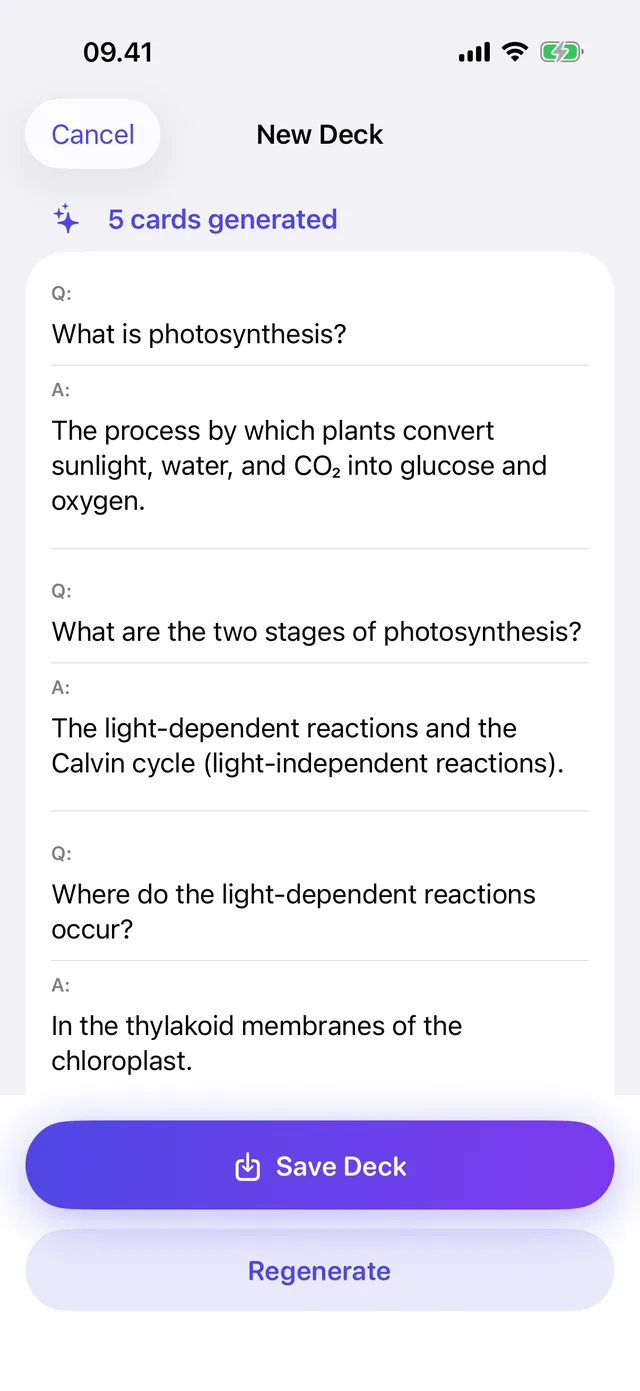
On-device AI pulls out the questions worth asking and writes the answers. Not quite right? Edit any card in a tap.
3 Quiz yourself
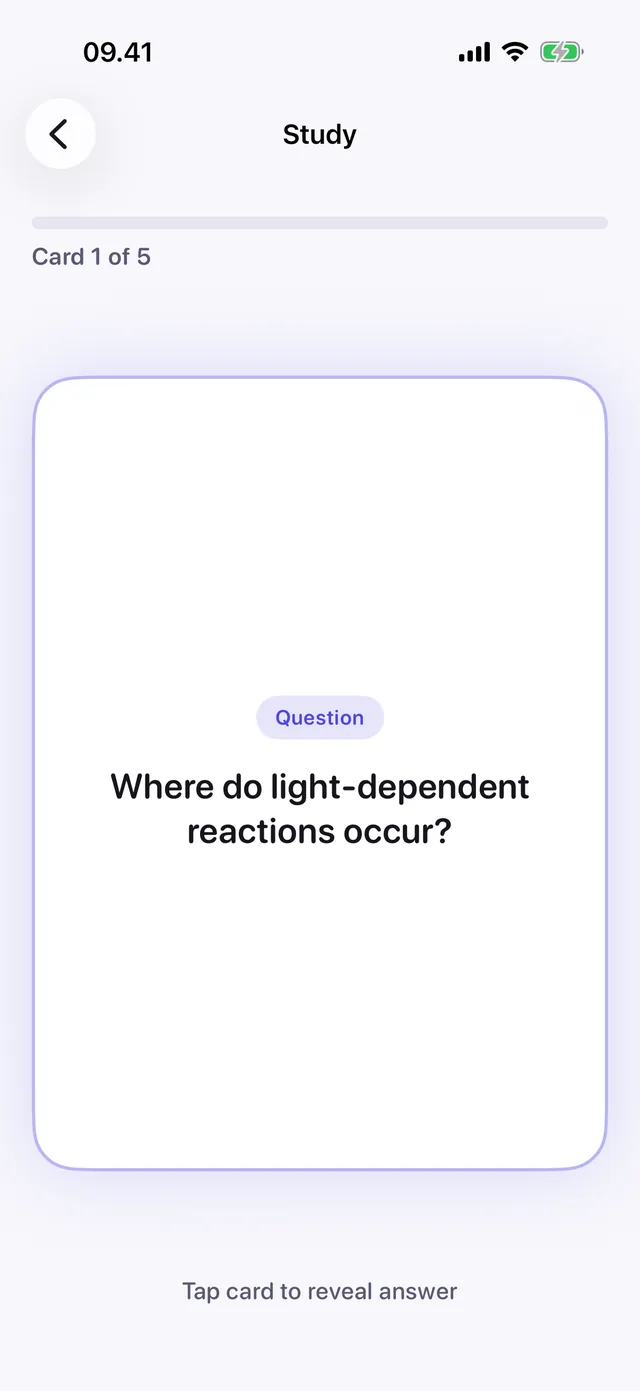
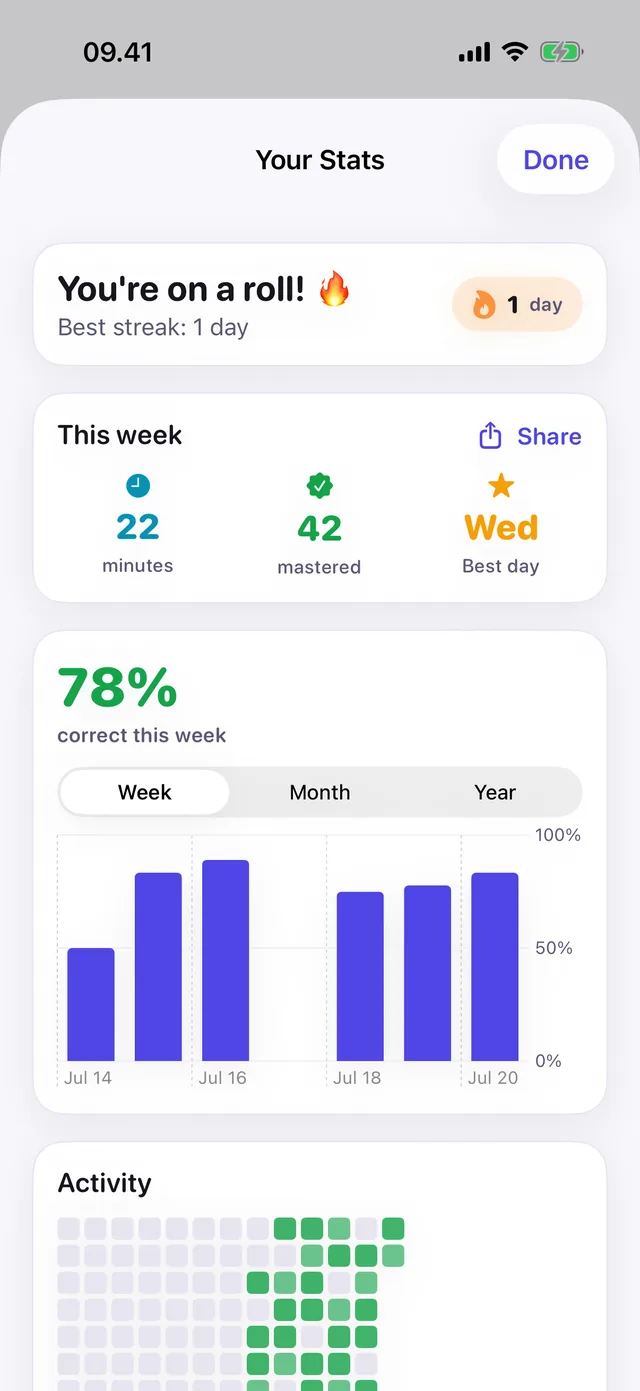
Flip, answer, be honest. Cards you miss come back. Your streak, XP and stats keep the momentum going.
Studying once is easy. SnapDeck is built around the second, third and tenth time — with just enough scoreboard to make it stick.
Making flashcards by hand is studying, sort of. It's also the reason most people never get to the studying part.
| By hand | With SnapDeck | |
|---|---|---|
| Building a deck from one chapter | 20–40 minutes of copying | Seconds |
| Getting text off a photo | You retype all of it | Read for you |
| PDFs and lecture handouts | Print it, then copy it | Import it straight in |
| Studying with no signal | Fine — if you brought the cards | Everything runs offline |
| Knowing what you've mastered | Two piles and a feeling | Tracked card by card |
| Losing them the week before finals | Genuinely possible | They're on your phone |
| What it costs | Index cards, pens, your evening | Free to start |
Different subjects, same problem: too much material, not enough evenings.
Med, bio, law — hundreds of terms per module and no realistic way to hand-write cards for all of them. Photograph the chapter, get the deck, spend your time on recall instead of transcription.
Uni & med studentsA page of new words, a menu, a slide from class. Snap it and you have a vocab deck for the bus ride home — no signal needed, which is the point when you're abroad.
Language learnersIt's Tuesday, the exam is Thursday, and the notes are a mess. Turn what you have into questions tonight and spend Wednesday finding out what you don't know yet.
High school & A-levelsNo trial countdown, no card required to start. Upgrade only when the free limits get in your way.
Free
Enough for a normal week of studying.
One-time
Buy it once, keep it. No subscription.
Premium is unlocked inside the app. Current pricing is shown on the App Store.
Short, practical reads on why some studying sticks and most of it doesn't.

You followed every step of the worked example and it made complete sense. Then the question in front of you looked slightly different, and your hands stopped moving. That gap is the one you keep trying to close, and re-reading is not how you close it.
Read it →
You have a pile of papers or slides and the feeling that everyone else started weeks ago. This is a first hour, not a new personality: a way to turn an undefined stack into something you can actually start.
Read it →
Everyone is asking the same question now. The interesting part is not whether AI works for studying — it is which part of the job it is doing, because the two versions feel identical in the app and are opposites in what they do to your memory.
Read it →Download SnapDeck AI, photograph one page, and see how long it takes.
Requires iOS 26 and Apple Intelligence · iPhone 15 Pro or later